Use CaseVisible gowning checks at airlocks
Cleanroom Gowning Compliance
Check visible gowning elements — hood, mask, goggles, gloves, overshoes — at cleanroom airlocks as a reminder and documentation aid.
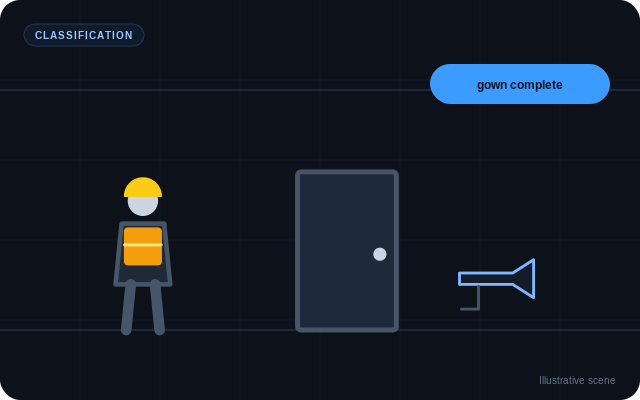
What can be checked
- Hood and mask
- Gloves and goggles
- Overshoes
What the team receives
- Gowning status at the airlock
- Aggregated compliance reports
What the solution does
Reminders
Shows a prompt at the airlock when a gown item such as a hood, mask or glove appears to be missing, before the person enters.
Documentation
Provides aggregated gowning data that supports GMP audits and reviews.
Short check
Runs as people stand at the gowning point, adding a short visual check to the routine rather than a separate inspection step.
The operational problem
Gowning errors at cleanroom airlocks — a missing glove, mask or overshoe — risk contamination of products and environments.
How visual intelligence helps
A camera in the airlock checks visible gowning items as people prepare to enter. Missing items prompt a reminder on a display, and aggregated data supports GMP audits.
Example visual workflow
- A camera views the person in the airlock.
- Gowning items are detected.
- Missing items prompt a reminder.
- Aggregates are reported.
Illustrative workflow — the actual pipeline is designed for each site during the PoC.
Edge deployment considerations
Processing runs on an Edge device at the airlock with no video stored by default.
How the solution is built
AI capabilities
The AI tasks this use case combines.
- Attribute Recognition
Attribute recognition determines properties of an object found by a detector — color, type, state, whether a helmet or vest is worn, whether a door is open.
- Object Detection
Object detection finds and labels the objects in an image or video frame and marks each one with a bounding box.
Visual inputs
Cameras and imaging that typically supply the video.
- IP and Network Cameras
IP cameras stream digital video over standard networks and are the most common source for Edge AI video analytics.
Deployment options
General approaches to evaluate, not tested hardware. Specific hardware is selected and validated for each project during the PoC.
- Camera and VMS Integration
Most projects start with cameras that are already installed.
- Edge AI Hardware Sizing
Sizing Edge AI hardware means matching compute, memory, power and enclosure to the real workload — the number of streams, resolution, frame rate, models and latency targets — under the site's environmental and installation constraints.
- Edge Deployment Architectures
Edge-first means processing video at or near where it is captured.
Practical factors to plan for
Real-world results depend as much on the environment and camera setup as on the model.
Site and setup
- Camera position. A full-body view in the airlock is needed.
- Validation. GMP use may require validation.
Human review
Staff receive reminders; QA reviews trends. Not a disciplinary tool.
Limitations & scope
- Cannot verify correct gowning technique fully.
- Requires employee consultation.
Proof of Concept
Have a visual AI challenge? Let's prove it.
Share a video of what happens in your environment and describe the outcome you need. We review every request for technical feasibility, then agree the scope of a focused Proof of Concept (PoC) with you.
Example request: “We want to remind operators at the airlock if goggles or overshoes are missing.”
Every request is reviewed for technical feasibility. PoC scope, timing and terms are agreed individually.
Related topics
How this page connects to industries, use cases, AI tasks, input sources and deployment options.