Use CasePrinted codes on packs and cans
Date and Lot Code Verification
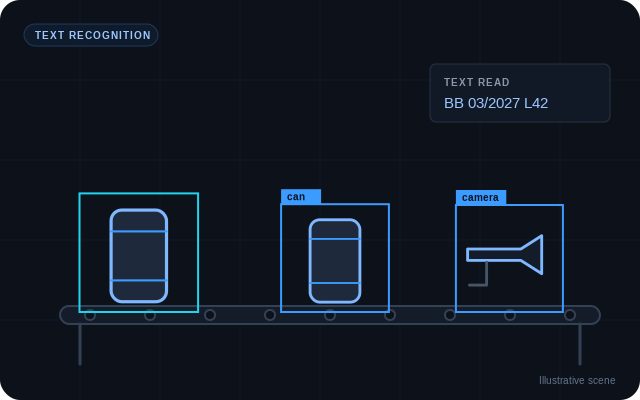
Read and verify printed best-before dates, lot codes and batch numbers on packs, cans and cartons so that wrong or illegible codes are caught on the line.
What can be checked
- Presence of printed codes
- Code content
- Print quality
What the team receives
- Verified code per unit
- Rejects and alerts on mismatch
What the solution does
Recall prevention
Reads the printed date and lot code and compares them with the expected values, so wrongly coded product is stopped before shipment.
Print quality
Flags faint, smudged or incomplete codes so the printer can be cleaned or adjusted before unreadable codes reach the market.
Traceability
Records the codes read on each batch for traceability and recall readiness.
The operational problem
Wrong, missing or illegible date and lot codes cause recalls, retailer rejections and waste. Coders can drift or be set up with the wrong data after a product change.
How visual intelligence helps
A camera reads every printed code with OCR and compares it with the expected value from the production order. Mismatches and poor print quality trigger rejects or alerts so the coder can be corrected immediately.
Example visual workflow
- A camera captures the code area.
- OCR reads the code.
- The code is compared with the expected value.
- Mismatches trigger rejects or alerts.
Illustrative workflow — the actual pipeline is designed for each site during the PoC.
Edge deployment considerations
OCR runs on an Edge device at the line next to the coder, so verification does not depend on network connectivity.
How the solution is built
AI capabilities
The AI tasks this use case combines.
- OCR and Text Recognition
Optical character recognition (OCR) reads text visible in images — labels, codes, container numbers, displays and gauges.
Visual inputs
Cameras and imaging that typically supply the video.
- Industrial and Machine Vision Cameras
Industrial and machine vision cameras capture sharp, consistent images at fixed positions with controlled lighting and triggering.
Deployment options
General approaches to evaluate, not tested hardware. Specific hardware is selected and validated for each project during the PoC.
- Edge AI Hardware Sizing
Sizing Edge AI hardware means matching compute, memory, power and enclosure to the real workload — the number of streams, resolution, frame rate, models and latency targets — under the site's environmental and installation constraints.
- Edge Deployment Architectures
Edge-first means processing video at or near where it is captured.
- Industrial and Ruggedized Edge AI Computers
Industrial Edge AI computers and ruggedized systems house AI-capable processors in enclosures built for factories, vehicles and outdoor sites — wide temperature ranges, vibration, dust and industrial power.
Practical factors to plan for
Real-world results depend as much on the environment and camera setup as on the model.
Site and setup
- Printer type. Inkjet dot codes are harder to read than laser codes.
- Expected data. The expected code must come from the production order.
Human review
Mismatches stop the line or alert operators to check the coder.
Limitations & scope
- Codes on curved or reflective surfaces are harder to read.
- Validation is required in regulated industries.
Proof of Concept
Have a visual AI challenge? Let's prove it.
Share a video of what happens in your environment and describe the outcome you need. We review every request for technical feasibility, then agree the scope of a focused Proof of Concept (PoC) with you.
Example request: “We want to verify inkjet best-before dates on the bottom of our cans.”
Every request is reviewed for technical feasibility. PoC scope, timing and terms are agreed individually.
Related topics
How this page connects to industries, use cases, AI tasks, input sources and deployment options.