Use CaseUnscanned items at self-checkout
Self-Checkout Scan Awareness
Flag items that may not have been scanned at self-checkout stations, prompting a friendly check by staff, while respecting customer privacy.
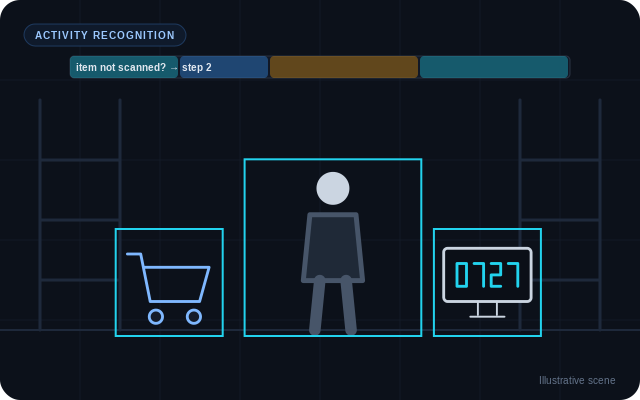
What can be checked
- Items moved past the scanner
- Items left in the cart
- Mismatches with scanned items
What the team receives
- Prompts at the station
- Aggregated statistics
What the solution does
Shrink reduction
Supports loss prevention by highlighting likely scanning gaps for staff.
Customer help
Helps customers correct accidental misses before they leave the station.
Privacy-aware
Works on item movements at the station without identifying customers.
The operational problem
Unscanned items at self-checkout cause losses, and many are simple mistakes rather than intent. Staff cannot watch every station.
How visual intelligence helps
A camera above the station recognizes item movements and compares them with scanner events. When they do not match, the station or a staff member offers a friendly check.
Example visual workflow
- A camera views the station.
- Item movements are recognized.
- Mismatches create prompts.
- Staff assist.
Illustrative workflow — the actual pipeline is designed for each site during the PoC.
Edge deployment considerations
An Edge device at the checkout zone processes video locally in real time; video is not retained beyond short event clips where policy allows.
How the solution is built
AI capabilities
The AI tasks this use case combines.
- Action and Activity Recognition
Action recognition identifies short actions — picking, lifting, opening a door — while activity recognition describes longer sequences such as a loading operation or a procedure.
- Object Detection
Object detection finds and labels the objects in an image or video frame and marks each one with a bounding box.
Visual inputs
Cameras and imaging that typically supply the video.
- IP and Network Cameras
IP cameras stream digital video over standard networks and are the most common source for Edge AI video analytics.
Deployment options
General approaches to evaluate, not tested hardware. Specific hardware is selected and validated for each project during the PoC.
- Camera and VMS Integration
Most projects start with cameras that are already installed.
- Edge AI Hardware Sizing
Sizing Edge AI hardware means matching compute, memory, power and enclosure to the real workload — the number of streams, resolution, frame rate, models and latency targets — under the site's environmental and installation constraints.
- Edge Deployment Architectures
Edge-first means processing video at or near where it is captured.
Practical factors to plan for
Real-world results depend as much on the environment and camera setup as on the model.
Site and setup
- Privacy. Customers must be informed and data minimized.
- Friction. Prompts should be friendly.
Human review
Staff check prompts politely. The system does not accuse customers.
Limitations & scope
- Not proof of intent.
- Requires careful legal review.
Proof of Concept
Have a visual AI challenge? Let's prove it.
Share a video of what happens in your environment and describe the outcome you need. We review every request for technical feasibility, then agree the scope of a focused Proof of Concept (PoC) with you.
Example request: “We want prompts when an item is bagged without a scan at our self-checkouts.”
Every request is reviewed for technical feasibility. PoC scope, timing and terms are agreed individually.
Related topics
How this page connects to industries, use cases, AI tasks, input sources and deployment options.