Use CaseISO container codes at gates and cranes
Container ID Recognition
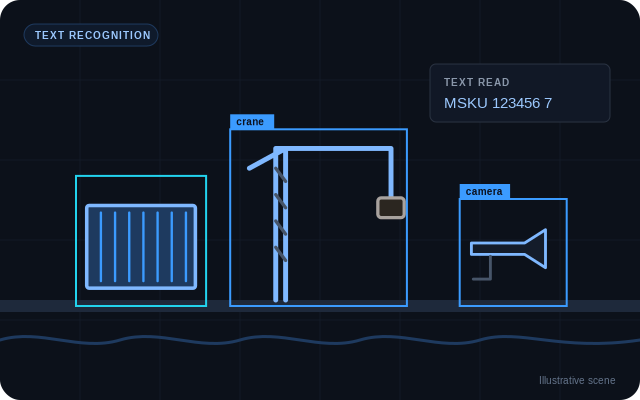
Read ISO container codes, seal presence and visible damage at terminal gates and cranes to speed up container handling records.
What can be checked
- Container codes
- Seal presence
- Visible damage
What the team receives
- Container code with check digit
- Gate or crane transaction record
What the solution does
Faster gates
Reduces manual code entry so trucks pass terminal gates faster.
Fewer errors
Validates ISO check digits to catch misreads before records are created.
Damage records
Stores images that document container condition with each transaction.
The operational problem
Manual recording of container codes slows gates and cranes and causes errors that ripple through terminal systems.
How visual intelligence helps
Cameras capture containers at gates and cranes, OCR reads the codes and check digits are validated. Seal presence and visible damage are recorded with the transaction.
Example visual workflow
- Cameras capture containers at a gate or crane.
- Codes are read and validated.
- Seal and damage checks are run.
- Records go to the terminal system.
Illustrative workflow — the actual pipeline is designed for each site during the PoC.
Edge deployment considerations
Edge computers at gates and cranes process video and send records to the terminal operating system within the gate transaction.
How the solution is built
AI capabilities
The AI tasks this use case combines.
- Object Detection
Object detection finds and labels the objects in an image or video frame and marks each one with a bounding box.
- OCR and Text Recognition
Optical character recognition (OCR) reads text visible in images — labels, codes, container numbers, displays and gauges.
Visual inputs
Cameras and imaging that typically supply the video.
- IP and Network Cameras
IP cameras stream digital video over standard networks and are the most common source for Edge AI video analytics.
Deployment options
General approaches to evaluate, not tested hardware. Specific hardware is selected and validated for each project during the PoC.
- Camera and VMS Integration
Most projects start with cameras that are already installed.
- Edge AI Hardware Sizing
Sizing Edge AI hardware means matching compute, memory, power and enclosure to the real workload — the number of streams, resolution, frame rate, models and latency targets — under the site's environmental and installation constraints.
- Edge Deployment Architectures
Edge-first means processing video at or near where it is captured.
Practical factors to plan for
Real-world results depend as much on the environment and camera setup as on the model.
Site and setup
- Code position. Codes can be on several sides.
- Weather. Rain and glare reduce read rates.
Human review
Clerks resolve low-confidence reads and damage findings.
Limitations & scope
- Damaged or dirty codes reduce accuracy.
- Damage findings require confirmation.
Proof of Concept
Have a visual AI challenge? Let's prove it.
Share a video of what happens in your environment and describe the outcome you need. We review every request for technical feasibility, then agree the scope of a focused Proof of Concept (PoC) with you.
Example request: “We want to read container codes at our truck gate and validate check digits.”
Every request is reviewed for technical feasibility. PoC scope, timing and terms are agreed individually.
Related topics
How this page connects to industries, use cases, AI tasks, input sources and deployment options.