Use CasePosition and orientation for manipulation
Object Pose Estimation for Robotics
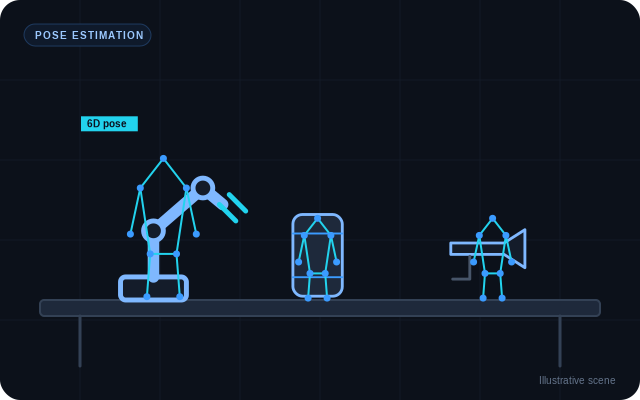
Estimate the position and orientation of known objects so robots can grasp, place or assemble them accurately, even when objects are not precisely presented.
What can be checked
- Object position in 3D
- Object orientation
- Pose confidence
What the team receives
- Pose data for the robot controller
- Pose quality metrics
What the solution does
Accurate placement
Estimates an object's position and orientation, so a robot can grasp and place it accurately; achievable accuracy is measured in the PoC.
Flexible presentation
Reduces the need for precise fixtures and part presentation.
Reusable
Works across cells with the same objects.
The operational problem
Robots need exact part positions, but parts often arrive with variable position and orientation. Precise fixtures are expensive and must be rebuilt for each new part.
How visual intelligence helps
Pose estimation provides the robot with the position and orientation of each object for accurate manipulation.
Example visual workflow
- A camera captures the object area.
- Keypoints or features are detected.
- The 6D pose is estimated.
- The pose is passed to the robot motion planner.
Illustrative workflow — the actual pipeline is designed for each site during the PoC.
Edge deployment considerations
Pose estimation runs on an Edge computer in the cell, close to the robot controller, and communicates through the controller’s supported interfaces. Calibration is checked regularly to keep accuracy.
How the solution is built
AI capabilities
The AI tasks this use case combines.
- Object Detection
Object detection finds and labels the objects in an image or video frame and marks each one with a bounding box.
- Pose Estimation
Pose estimation locates keypoints — such as shoulders, elbows, knees or the corners of an object — and connects them into a skeleton or structure.
Visual inputs
Cameras and imaging that typically supply the video.
- Depth, Stereo and 3D Cameras
Depth cameras measure distance to every point in view, using stereo vision, structured light or time-of-flight.
- Robotic Vision
Robotic vision places cameras on or around robot arms to guide picking, placement, assembly and inspection.
Deployment options
General approaches to evaluate, not tested hardware. Specific hardware is selected and validated for each project during the PoC.
- Edge AI Hardware Sizing
Sizing Edge AI hardware means matching compute, memory, power and enclosure to the real workload — the number of streams, resolution, frame rate, models and latency targets — under the site's environmental and installation constraints.
- Edge Deployment Architectures
Edge-first means processing video at or near where it is captured.
- Industrial and Ruggedized Edge AI Computers
Industrial Edge AI computers and ruggedized systems house AI-capable processors in enclosures built for factories, vehicles and outdoor sites — wide temperature ranges, vibration, dust and industrial power.
Practical factors to plan for
Real-world results depend as much on the environment and camera setup as on the model.
Site and setup
- Calibration. Accurate hand-eye calibration is essential.
- Object models. CAD models or scans of objects improve accuracy.
Human review
Integrators validate pose accuracy during commissioning. Robots use safety-rated stops independently.
Limitations & scope
- Symmetric objects have ambiguous orientations.
- Accuracy depends on camera resolution and calibration.
Proof of Concept
Have a visual AI challenge? Let's prove it.
Share a video of what happens in your environment and describe the outcome you need. We review every request for technical feasibility, then agree the scope of a focused Proof of Concept (PoC) with you.
Example request: “We want to estimate the pose of cast housings on a conveyor so a robot can load them into a machine.”
Every request is reviewed for technical feasibility. PoC scope, timing and terms are agreed individually.
Related topics
How this page connects to industries, use cases, AI tasks, input sources and deployment options.