Use CaseTrucks, trailers and containers in the yard
Yard and Trailer Tracking
Track trucks, trailers and containers as they enter, park and leave a yard, giving logistics teams live yard inventory and dwell times without manual yard checks.
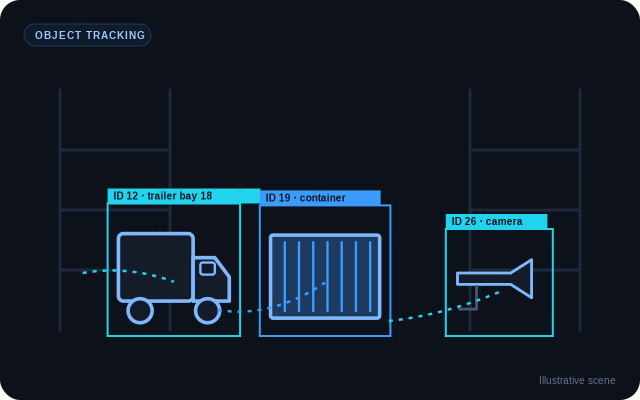
What can be checked
- Trucks and trailers entering and leaving
- Occupancy of yard bays
- Trailer and container identifiers where visible
What the team receives
- Live yard inventory
- Dwell times and movement history
What the solution does
Live yard view
Shows where each trailer is parked in the yard, based on camera views and trailer IDs, so drivers find them faster.
Dwell insight
Measures how long trailers wait at doors and parking positions, which helps planners reduce dwell times and charges.
Fewer yard checks
Camera-based yard records reduce the manual walks staff make to locate trailers and check yard status.
The operational problem
Yards often rely on manual checks to know where trailers are, causing delays when trucks cannot be found or docks wait.
How visual intelligence helps
Cameras at gates and across the yard detect trucks and trailers, read identifiers where visible and maintain a live inventory with dwell times.
Example visual workflow
- Gate cameras register arrivals.
- Yard cameras detect occupancy of bays.
- Identifiers are read where visible.
- The yard system receives inventory and dwell data.
Illustrative workflow — the actual pipeline is designed for each site during the PoC.
Edge deployment considerations
An on-site Edge server processes yard cameras and sends inventory events to the yard management system.
How the solution is built
AI capabilities
The AI tasks this use case combines.
- Object Tracking and Multi-Object Tracking
Object tracking links detections of the same object across consecutive video frames and assigns each one a persistent ID.
- OCR and Text Recognition
Optical character recognition (OCR) reads text visible in images — labels, codes, container numbers, displays and gauges.
- Zone and Line Analytics
Zone and line analytics apply rules to tracked objects — counting line crossings, measuring time spent in a zone, estimating speed and comparing paths with expected routes.
Visual inputs
Cameras and imaging that typically supply the video.
- IP and Network Cameras
IP cameras stream digital video over standard networks and are the most common source for Edge AI video analytics.
- PTZ Cameras
Pan-tilt-zoom cameras can turn and zoom to cover large areas from one position.
Deployment options
General approaches to evaluate, not tested hardware. Specific hardware is selected and validated for each project during the PoC.
- Camera and VMS Integration
Most projects start with cameras that are already installed.
- Edge AI Hardware Sizing
Sizing Edge AI hardware means matching compute, memory, power and enclosure to the real workload — the number of streams, resolution, frame rate, models and latency targets — under the site's environmental and installation constraints.
- Edge Deployment Architectures
Edge-first means processing video at or near where it is captured.
Practical factors to plan for
Real-world results depend as much on the environment and camera setup as on the model.
Site and setup
- Coverage. Large yards need several cameras or PTZ units.
- Identifiers. Trailer numbers must be visible and legible to be read.
Human review
Yard staff reconcile exceptions such as unidentified trailers.
Limitations & scope
- Occlusion between trailers hides bays and identifiers.
- Night and weather reduce identifier reading.
Proof of Concept
Have a visual AI challenge? Let's prove it.
Share a video of what happens in your environment and describe the outcome you need. We review every request for technical feasibility, then agree the scope of a focused Proof of Concept (PoC) with you.
Example request: “We want a live map of which trailer is parked in each of our 60 yard bays.”
Every request is reviewed for technical feasibility. PoC scope, timing and terms are agreed individually.
Related topics
How this page connects to industries, use cases, AI tasks, input sources and deployment options.